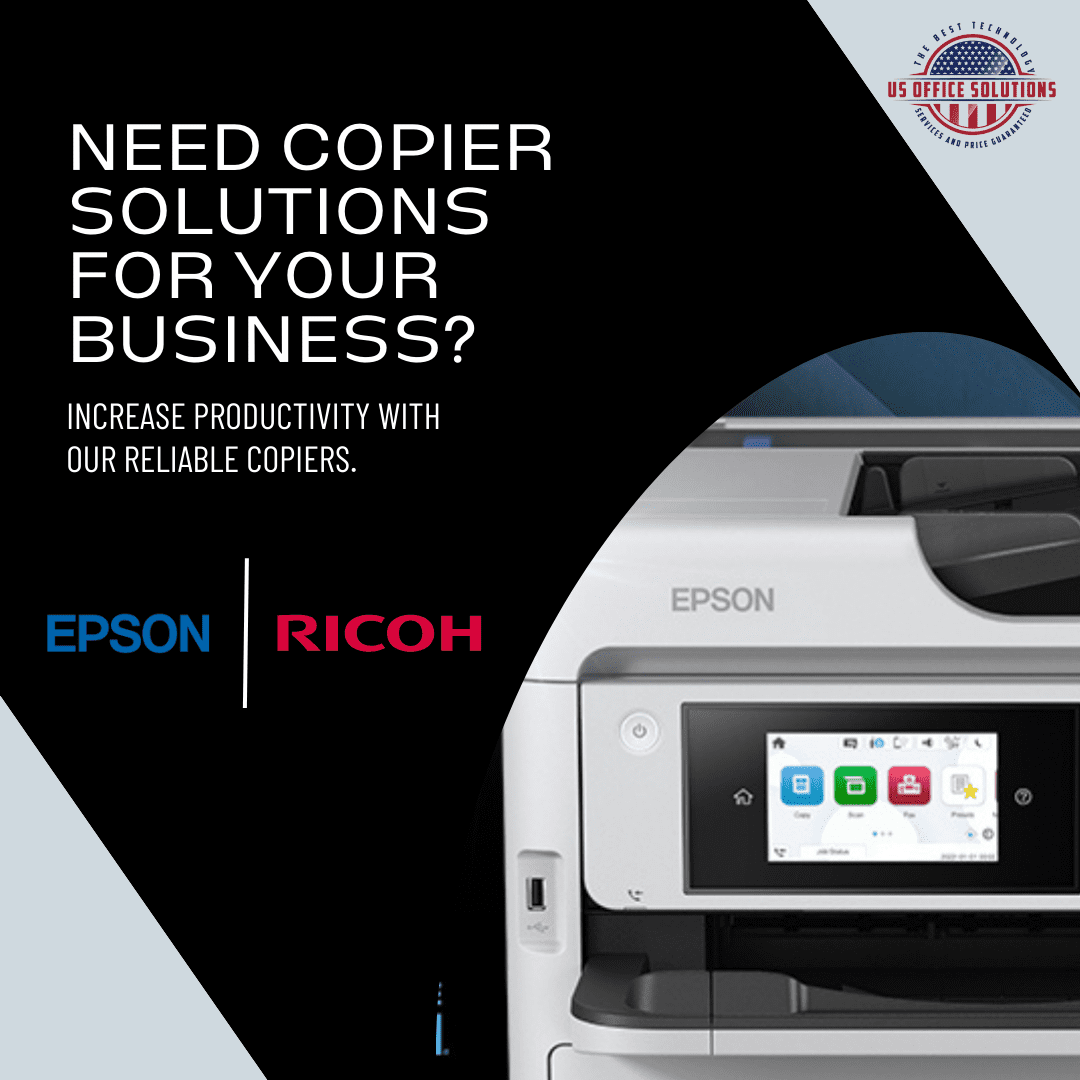

An office copier — really a multifunction printer (MFP) — is built for everyday business work: a few thousand up to around 20,000 pages a month, with print, copy and scan in one box. A production printer is a different class of machine, engineered for 50,000-plus pages a month, heavier media, and in-line finishing like booklet-making and folding. The honest rule we give Orlando businesses is to stay on a right-sized office MFP unless print is a near-constant, high-volume part of what you do. If your copier stalls on long runs, jams on cardstock, or your team is hand-collating booklets, that is the signal you have outgrown the office tier, not a busy week.
“Office copier” and “production printer” get used as if they are the same machine in two sizes. They are not. One is a shared office appliance; the other is a small printing press that happens to copy and scan. Picking the wrong one is how a business either chokes on its own print volume or signs a lease for a press that sits idle. Here is where the line actually sits, and how to tell which side of it you are on.
- At a glance: the real difference
- Where the line sits: print volume
- Five signs you’ve outgrown your office copier
- What the production tier actually buys you
- Which machine fits: Ricoh, Kyocera or Epson
- The honest case against a production printer
- What it costs, and how Florida offices get there
- Frequently asked questions
At a glance: the real difference
The fastest way to see the gap is side by side. The difference is not “fast versus faster” — it is a machine designed to be shared by a whole office against a machine designed to run production jobs all day.
| Office copier (MFP) | Production printer | |
|---|---|---|
| Built for | Everyday print, copy and scan | High-volume output and short-run printing |
| Typical monthly volume | A few thousand to ~20,000 pages | 50,000+ pages (duty cycle into the millions) |
| Speed | ~25–70 pages per minute | ~65–150 pages per minute |
| Media & finishing | Standard stock, basic staple and sort | Heavy/coated stock, booklet, fold, trim |
| Color consistency | Good for internal documents | Tuned to hold color across long runs |
| Who it’s for | Any office | Print shops, marketing teams, in-house publishing |
| Footprint & operation | Fits a corner; anyone operates it | Larger; runs best with a dedicated operator |
Where the line sits: print volume
A production printer is a device engineered for substantial, repeatable output: high monthly volumes, heavier and specialty media, and finishing an office copier cannot touch. The clearest way to see the divide is the numbers the manufacturers themselves publish.
A capable office MFP is designed to live comfortably in the low tens of thousands of pages a month. Step up to an entry color production press like the Ricoh Pro C5400S and the spec sheet tells the story: it runs at 65 pages per minute, with a maximum monthly volume of 150,000 impressions and a print duty cycle of 1.5 million pages. Go further up to a dedicated production inkjet like the Kyocera TASKalfa Pro 15000c and you are at 150 pages per minute with continuous runs of 9,000 pages at a stretch. Those are not office numbers. They are numbers for a department whose job is printing.
Getting that number right matters more than the brochure speed, which is why it is worth reading our guide to what size copier your office actually needs before you compare any two machines. Match the device to a real meter read, not to a sales sheet.
Five signs you’ve outgrown your office copier
You rarely need a spec sheet to know you have crossed the line. You can feel it in how the office runs. These are the five symptoms we hear most from businesses that are ready to step up.
- Long jobs hold the whole office hostage. The 400-page board packet or training manual ties up the copier, and everyone else queues behind it. On a production device that run clears in minutes without blocking routine printing.
- You’re fighting the paper, not the document. Covers, cardstock, gloss, tabs: if the office MFP jams on or refuses the stock you need, that is a media-handling limit, not a setting you can fix.
- Someone is finishing by hand. If a person stands at a table folding, stapling or assembling booklets after every big run, you are paying labor to do what in-line finishing does automatically.
- Color drifts across a run. When page 1 and page 500 of a client packet do not match, an office copier is being asked to do a production job it was not built to hold steady on.
- You outsource print you’d rather control. Sending brochures, newsletters or event collateral to a print shop every month, on their timeline and at their markup, is often the clearest sign the volume is already there.
None of these is a “maybe upgrade someday” item. Each one is a cost you are already paying, in lost time, reprints or outsourcing.
What the production tier actually buys you
People type a version of this straight into Google: can a commercial machine also serve as an office copier, and what is really different inside? Four things separate a production device from a merely fast office copier.
- A real RIP. Production machines run a dedicated raster image processor, often an EFI Fiery controller, that handles complex PostScript files, exact color and imposition. It is the engine behind consistent, press-like output.
- Heavier and specialty media. Thick cover stock, coated paper, long sheets and envelopes that an office MFP’s paper path will not accept.
- In-line finishing. Booklet-making, folding, trimming and high-capacity stacking done inside the machine instead of by hand afterward.
- A duty cycle built for it. The difference between a machine rated for the occasional big job and one rated to run big jobs every day without wearing out.
A high-end office MFP can look like a small production printer on the showroom floor. The difference shows up on the 400th page, on cardstock, in color, under a deadline.
Which machine fits: Ricoh, Kyocera or Epson
As an authorized Ricoh, Kyocera and Epson dealer, here is how we match the three across the office-to-production range. We will also say plainly when you do not need to leave the office tier at all.
- Ricoh covers the widest span. Its IM C office MFPs handle everyday work, and the Ricoh Pro sheet-fed line (the Pro C5400S and up) steps into true color production, 65 ppm at up to 150,000 impressions a month, when you need a press that still fits in a business rather than a plant.
- Kyocera is the low-running-cost workhorse for the office tier, and its TASKalfa Pro production inkjet line reaches genuine high-volume speeds of 150 ppm for organizations printing at real scale.
- Epson’s high-volume business inkjet (the WorkForce Enterprise line) is the sweet spot for color-heavy mid-volume offices that want production-grade color and lower energy and running cost without a full press: the lane between a standard MFP and a dedicated production device.
Not sure which tier you are in? That is the conversation to have before you sign anything. You can browse our professional and production printers, or just request a quote and we will size it to your real volume.
The honest case against a production printer
A production printer is the wrong buy for most businesses, and we will talk you out of one when the numbers say so. Here is the part the spec sheets skip: a production press is built to be used, and it is happiest running. The machine we most often advise a business against is the one bought “to grow into” that then prints a few thousand pages a month. A lightly used production device is more prone to service calls than the office copier it replaced, because the consumables and imaging system are engineered around steady, high-volume running rather than long gaps between jobs. In our Central Florida service experience, warm humid air does the under-used machine no favors either.
Buy more machine than your volume supports and you pay twice: once for capacity you never touch, and again in service on a press that does not like sitting idle. For plenty of offices the right answer is a correctly-sized MFP plus a managed print plan that keeps cost per page honest, or simply continuing to outsource the rare big color job. A production printer earns its place when the volume is real, steady and yours to control. Not before.
What it costs, and how Florida offices get there
A production printer is a bigger commitment than an office copier, both in the monthly figure and in the service agreement behind it. So the number that matters is total cost of ownership: supplies, service, media, finishing and the staff time it saves, not the sticker. And it only makes sense against your actual volume, which is why we start with a meter read rather than a model. Most businesses reach this tier the same way they got their first copier: a lease that spreads the cost and bundles service, instead of a large upfront outlay. If you want the mechanics, our breakdown of what a copier lease costs and the overview of office copier leasing in Orlando and Central Florida cover it. The same math applies whether you are in Orlando, Tampa or Miami.
Key takeaways
- An office copier (MFP) is an everyday appliance for a few thousand to ~20,000 pages a month; a production printer is a near-press built for 50,000+.
- The published specs make the gap concrete: a Ricoh Pro C5400S runs 65 ppm at up to 150,000 impressions a month; a Kyocera TASKalfa Pro 15000c runs 150 ppm.
- Watch for the five symptoms — long jobs blocking the office, media jams, hand-finishing, color drift and routine outsourcing — not the calendar.
- A production device only wins when volume is high and steady; idle time makes it less reliable, not more.
- Size to a real meter read, lease to spread the cost, and step up only when the numbers are actually there.
Frequently asked questions
What’s the difference between an office copier and a production printer?
An office copier (a multifunction printer) is built for everyday shared use: printing, copying and scanning a few thousand to around 20,000 pages a month. A production printer is a higher class of machine built for 50,000-plus pages a month, heavier and specialty media, and in-line finishing such as booklet-making. The real differences are volume capacity, media handling, finishing, and a dedicated RIP for consistent color.
Can a production printer also work as an office copier?
Many can print, copy and scan, so technically yes — but it is usually the wrong tool for everyday office work. Production machines are built to run at high volume and can actually become less reliable when they sit idle between big jobs. Most offices are better served by a right-sized MFP, with a production device added only if the volume justifies it.
How many pages a month before I need a production printer?
As a working rule, consistently under about 20,000 pages a month is office-copier territory; consistently over 50,000 — especially with heavy color or finishing needs — is where a production printer starts to make sense. Steadiness matters as much as the total: occasional big months do not justify production equipment.
Do Ricoh, Kyocera and Epson make production printers?
Yes. Ricoh’s Pro sheet-fed line (such as the Pro C5400S) is color production; Kyocera’s TASKalfa Pro series is high-speed production inkjet; and Epson’s high-volume WorkForce Enterprise inkjet bridges office and light-production color. We lease and service all three across Central Florida.
Is a production printer worth it for a small business?
Usually not, and we will say so. Unless you are printing marketing or publishing work in real volume every month, a small business gets better value and reliability from a correctly-sized office MFP. A production printer bought “to grow into” often just sits idle and runs up maintenance.
Should I lease or buy a production printer?
Most businesses lease, because it spreads a larger cost over the term and bundles the service and supplies a production device genuinely needs. The right structure depends on your plans for the machine; the key is sizing the included volume to your real meter reads so you are not paying for pages you never run.

US Office Solutions leases, services, and supports office copiers, multifunction printers and production print systems for businesses across Orlando and Central Florida.
Not sure which machine your volume calls for?
We start with your real meter reads, size the right office copier or production printer, and lease it with service included — locally.
Request a copier quoteSources: Ricoh USA — Pro C5400S/C5410S color production printer (65 ppm; 150,000 max monthly impressions; 1.5M-page duty cycle); Kyocera — TASKalfa Pro 15000c production inkjet (150 ppm; 9,000-page continuous runs). Volume thresholds are industry-typical figures; your usage and the machine’s published specs govern.