
By Bill Howard, US Office Solutions · Published October 5, 2026
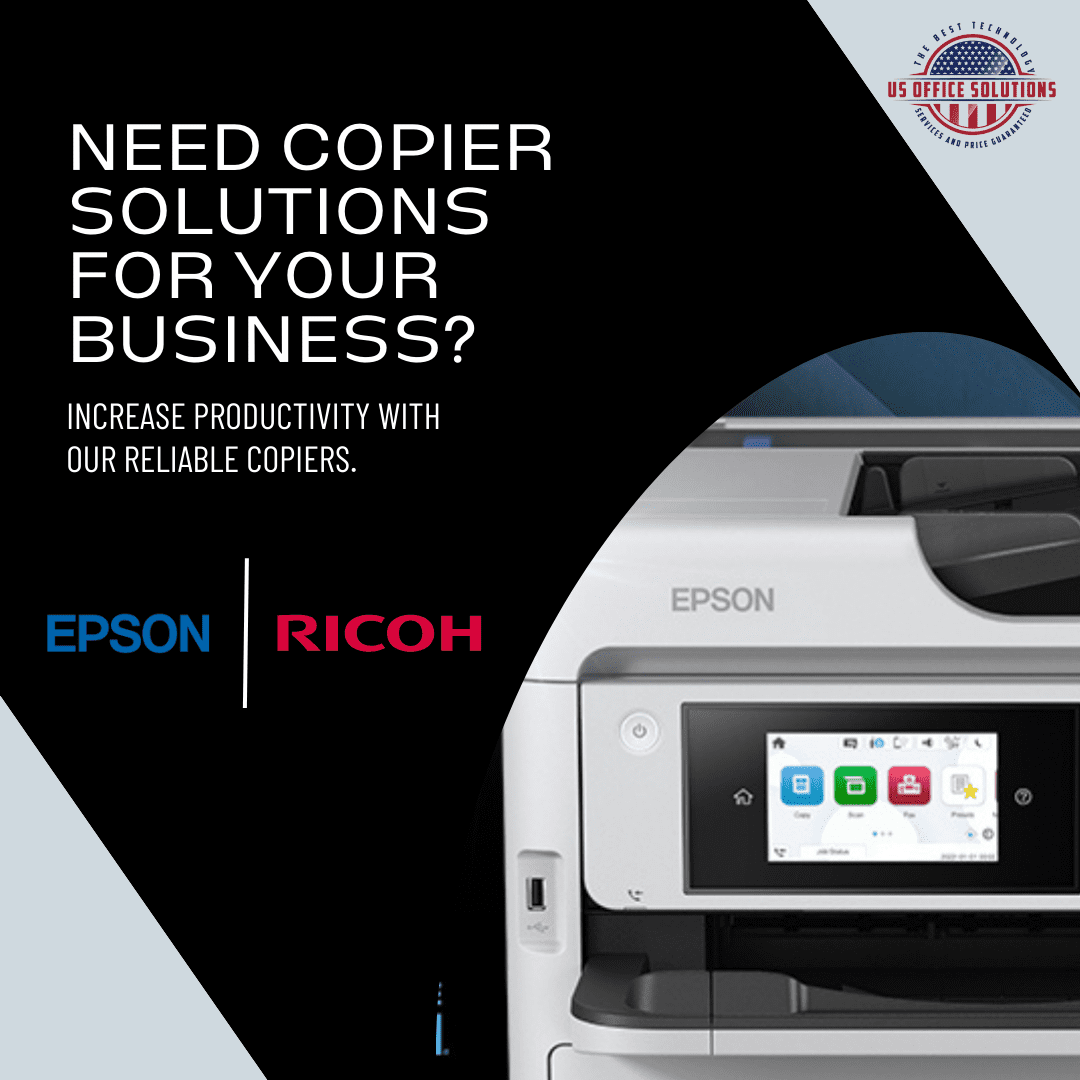
For most Central Florida offices, a laser multifunction copier is still the safe default. It is fast, cheap per page at high volume, and forgiving if the machine sits idle over a long weekend. But the old rule that “inkjet is only for photos” is out of date. Business inkjet copiers like the Epson WorkForce Enterprise AM-C6000 now print 60 pages a minute in both black and color, and they use far less electricity than a comparable color laser. The right answer comes down to your monthly volume, your color mix, and — if you are leasing — the service contract rather than the sticker price.
When it is time to put a new copier in the office, the first fork in the road is almost always the same: laser or inkjet? Pick wrong and you either overpay per page for years or buy speed and durability you never use. This guide walks through how the two actually differ for an office, covering speed, running cost, reliability, and color, and ends with a plain recommendation by business type.
On this page
Are office copiers laser or inkjet?
Most office copiers are laser, but that is changing. For decades, the big workgroup machines that sit in a copy room were laser, or LED, which behaves the same way for buyers. They fuse powdered toner to the page with heat. Inkjet, which sprays liquid ink, was treated as a home-and-photo technology. That line has blurred. Manufacturers now build true business-class inkjet copiers aimed squarely at the office, and they compete directly with laser multifunction printers (MFPs) on speed and volume. So when someone asks whether office copiers are laser or inkjet, the honest 2026 answer is that both are real office options now, and which one fits depends on how you print.
Here is the test I actually run with a client before recommending either one: pull the meter read off your current machine for real monthly page count, ask what share of that is color, and ask whether the office ever goes dark for a week or more. Those three answers decide it far more reliably than brand loyalty does.
Laser vs. inkjet, side by side
Here is the quick version before the detail. These are the trade-offs that matter once a machine is on your floor, not the spec-sheet trivia.
| Factor | Laser copier | Business inkjet copier |
|---|---|---|
| How it prints | Powdered toner fused with heat | Liquid ink sprayed from a fixed print head |
| Speed | Fast (20 to 60+ ppm) | Now matches laser on business models (up to 60 ppm) |
| Cost per page (B&W) | Lowest at high volume | Competitive, often lower on color |
| Energy use | Higher, because it heats a fuser | Much lower, with no fuser to heat |
| Warm-up | Short delay | None, prints cold |
| Idle tolerance | Excellent | Good on current heads, can clog if unused for weeks |
| Best at | High-volume text, mixed workgroups | Color-heavy work, energy and sustainability goals |
Speed: a tie at the business tier
Laser used to win speed automatically. Today it is a tie once you reach business-class machines. Entry-level inkjets are slow, which is where inkjet’s “too slow for an office” reputation came from. The business-class machines have closed that gap. Epson’s WorkForce Enterprise AM-C6000, for example, runs 60 ISO pages per minute in both black and color and carries a recommended monthly print volume of 10,000 to 60,000 pages, according to Epson’s published specifications. That puts it in the same class as a mid-to-high-volume color laser MFP. One real advantage inkjet has here: with no fuser to heat, the first page comes out cold, with no warm-up pause. For a front desk that prints in short bursts all day, that adds up.
If your office prints more than roughly 60,000 pages a month, you are into the high-volume laser or production tier, and laser still rules that end. For the 5,000-to-40,000-page range where most Orlando small and mid-size offices live, either technology is fast enough, and speed stops being the deciding factor.
Running cost: where leasing changes the math
Per page, laser is usually cheapest on black-and-white at volume, while a business inkjet often wins on color. On a lease, though, what you pay to run the machine matters far more than its price tag. This is the part generic comparison articles get wrong for business buyers. They compare the purchase price, where inkjet looks cheaper up front. When you lease, that up-front gap disappears into the monthly payment, and what you actually pay to run the fleet is the per-page cost plus the service contract.
On the leases we place across Central Florida, mono pages generally run in the low single-digit cents, roughly one to two cents, and color lands several times higher, often six to twelve cents, regardless of brand. The spread between a good laser and a good business inkjet at the same volume is usually smaller than the spread between two different service agreements. That is why we tell clients to stop comparing machines on sticker price and start comparing cost per copy and what is bundled into the contract. Toner lasts longer per cartridge than old inkjet cartridges did, but current business inkjet uses high-capacity ink packs that have mostly erased that gap. Energy is the quieter line item. Epson rates its Heat-Free business inkjet at up to 86% less electricity than a comparable color laser, because there is no fuser pulling power all day, per Epson’s Heat-Free Technology data. On a large color fleet, that shows up on the utility bill.
Reliability and maintenance
Laser is the proven workhorse for heavy, continuous use, while business inkjet wins on fewer consumable parts and far less heat. Laser MFPs have decades of refinement behind them and shrug off heavy daily duty, which is why they are the default for a busy shared copy room. Their weak spot is parts. Fusers, drums, and transfer units are wear items that get replaced over a machine’s life, and they throw off heat the building then has to cool.
Inkjet flips that. With a fixed print head and no fuser, there are fewer heat-related wear parts to swap, which Epson translates into fewer service visits and up to 53% less waste than a comparable color laser, citing a Keypoint Intelligence study on the same Heat-Free page. The one honest caution with any inkjet: if a machine sits completely unused for weeks, print heads can clog. In a working office that prints every day, that is rarely an issue, but a seasonal office that goes dark for a month should weigh it. Whichever you choose, the reliability you actually feel comes from the service and maintenance plan behind the machine, not the print technology. A laser with no service contract will strand you faster than an inkjet with a good one.
What about color quality?
Inkjet still has the edge on rich color and photo work, while laser produces crisp, smudge-proof text. If your office prints marketing pieces, proofs, real estate flyers, or anything where color depth matters, inkjet’s liquid ink lays down smoother gradients and more vivid color. If you print mostly contracts, reports, and forms, laser’s heat-fused toner gives you sharp, water- and smudge-resistant text that holds up in a file for years. Most offices do some of both, and current business inkjet color is more than good enough for everyday marketing. The gap only really matters for design or photo-grade output.
So which should your office lease?
Match the machine to how you print, not to the brand on the front. Below is the quick split we use, then the full breakdown by office type, built around the three lines we actually place and service: Epson on the inkjet side, Ricoh and Kyocera on the laser side. In our own book, the offices that move to inkjet are almost always the color-heavy ones chasing lower energy and color cost, not the pure-text shops.
Lean laser if…
- You print mostly black-and-white at high volume
- Crisp, archival text is the priority (legal, accounting)
- The office sits idle for weeks at a time
- You want the longest track record for heavy daily duty
Lean business inkjet if…
- You print a lot of color every day
- Energy use and sustainability goals matter
- You want laser-class speed with no warm-up
- Marketing or creative color quality is important
| Your office | Lease this | Why |
|---|---|---|
| High-volume, mostly text (law, accounting, admin) | Ricoh or Kyocera laser MFP | Lowest B&W cost per page at volume, crisp text, proven for heavy duty |
| Color-heavy, sustainability-minded, steady daily use | Epson business inkjet (WorkForce Enterprise / AM series) | Laser-class speed, much lower energy, strong color |
| Small office, light-to-moderate volume | Either, right-sized | Size the machine to volume. See what size copier your office needs |
| Seasonal office that sits idle for weeks | Laser | No clogging risk during long downtime |
| Creative or marketing team | Epson inkjet | Best color depth and gradients |
The real decision is not laser-versus-inkjet in the abstract. It is getting the right machine, on fair lease terms, with a service plan that keeps it running. That is the whole job.
Want a straight recommendation for your volume and budget? We handle office copier leasing in Orlando and across Central Florida, with copier service for offices in Tampa, Miami, and Jacksonville too.
Request a copier quoteKey takeaways
- Most office copiers are still laser, but business inkjet is now a real office option, not a home-only one.
- At the business tier, speed is a tie — the Epson AM-C6000 does 60 ppm in color and black.
- Laser is usually cheapest per text page at volume. Business inkjet often wins on color output and on energy use.
- On a lease, cost per page and the service contract matter more than the machine’s sticker price.
- Pick laser for high-volume text and offices that sit idle. Pick business inkjet for color-heavy, energy-conscious offices that print daily.
Frequently asked questions
Is inkjet or laser better for a small business?
For a small business that prints every day, either works. Pick laser if you are mostly text and high-volume, inkjet if color matters or you want lower energy use. At small-office volumes the cost difference is minor, so match the machine to your color mix and whether it will sit idle.
Are office copiers laser or inkjet?
Most are laser, but business inkjet copiers now compete directly in the office. Current business inkjet models hit the same speeds and monthly volumes as mid-range laser MFPs.
I’ve never used a laser printer. Is it much better than inkjet?
For high-volume text printing, laser is faster and cheaper per page and tolerates sitting idle. For color and lower volumes, a current business inkjet matches or beats it, so “better” depends entirely on how your office prints.
Which is cheaper to run over time?
Laser usually wins on text cost per page at high volume, while business inkjet often wins on color and on energy. On a lease the bigger lever is the service contract, so compare cost per page and what is bundled, not the purchase price.
Do inkjet print heads clog if the printer isn’t used?
They can if a machine sits completely unused for weeks. In an office that prints daily it is rarely a problem. A seasonal office that goes dark for long stretches is better off with laser.
Is business inkjet fast enough for a busy office?
Yes. Business inkjet copiers now print up to 60 pages a minute in color and black, with no warm-up delay. That is the same class as a mid-to-high-volume color laser.
Which brands do you lease?
We place and service Epson on the inkjet side and Ricoh and Kyocera on the laser side, and we recommend the one that fits your volume, color needs, and budget rather than pushing a single brand.
Bill Howard · US Office Solutions
Bill writes on copier and printer leasing for US Office Solutions in Orlando and Central Florida, where the team places, services, and reads the fine print on office equipment leases every week. He focuses on getting businesses into the right equipment on fair terms, and out of the wrong agreement with the least damage.